When an account is ready for a sales conversation, hand it to the AE who will run it. Ken writes a short brief from the account's timeline and committee, you add what only you know, and Ken emails it to your teammate. This guide shows when to hand off, how, and what changes after.
When to hand off
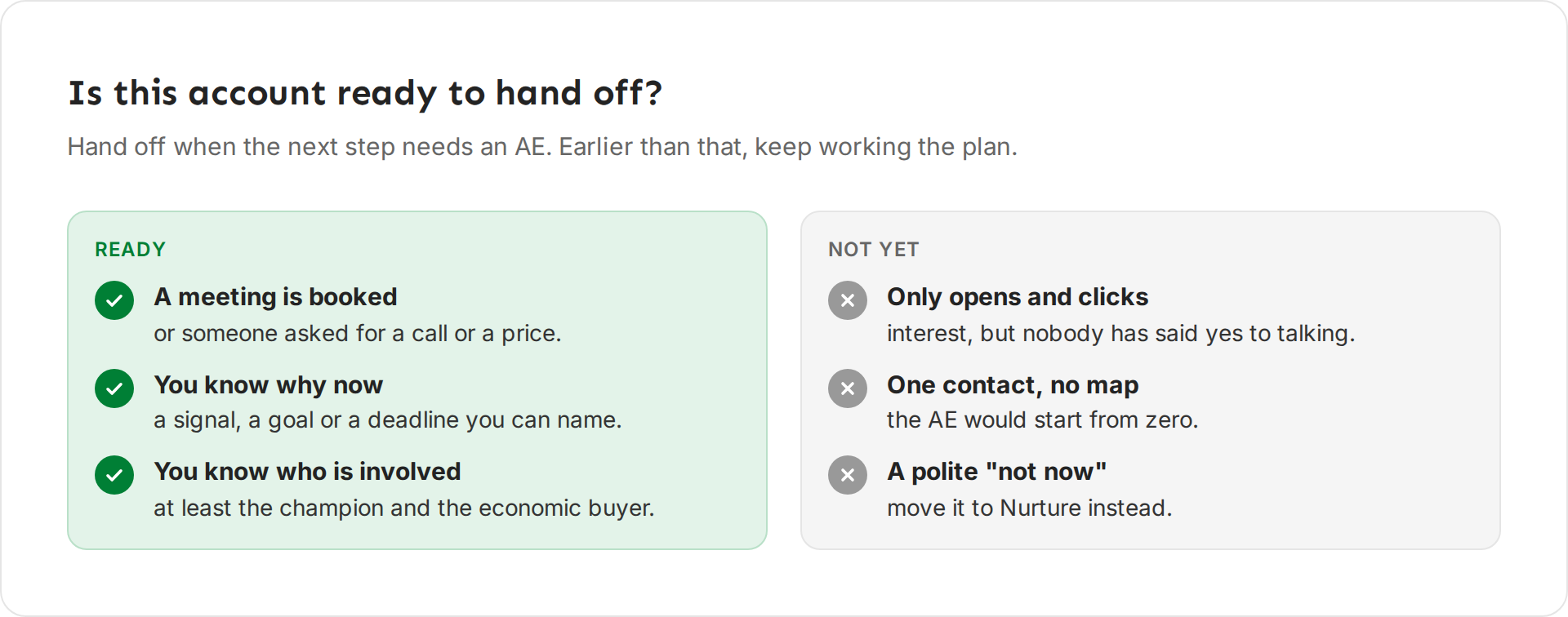
Hand off when someone asked for a call, a price or a meeting, and you can say why they care now and who is involved. Earlier than that, keep working the plan. An AE who gets an account with one contact and no reason to act starts from zero.
Most hand-offs happen when the account reaches Meeting booked.
Hand off an account
-
Open the account and click Hand off at the top right. Or, in the Accounts list, right-click the account and click Hand off to an AE.
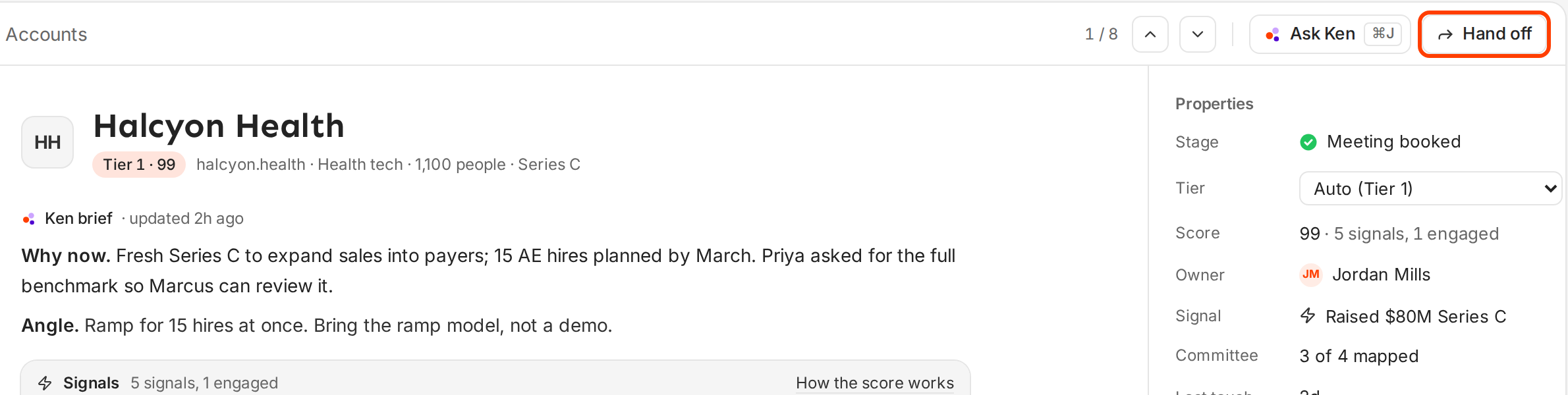
Hand off sits at the top right of every account. -
Under To, pick the teammate who will take it. Do this first. Ken writes the brief for the person you pick.
-
Send as shows Email. Ken emails the brief to your teammate.
-
Read the brief Ken wrote. Edit any line, and add what Ken can't know, like a promise you made on a call.
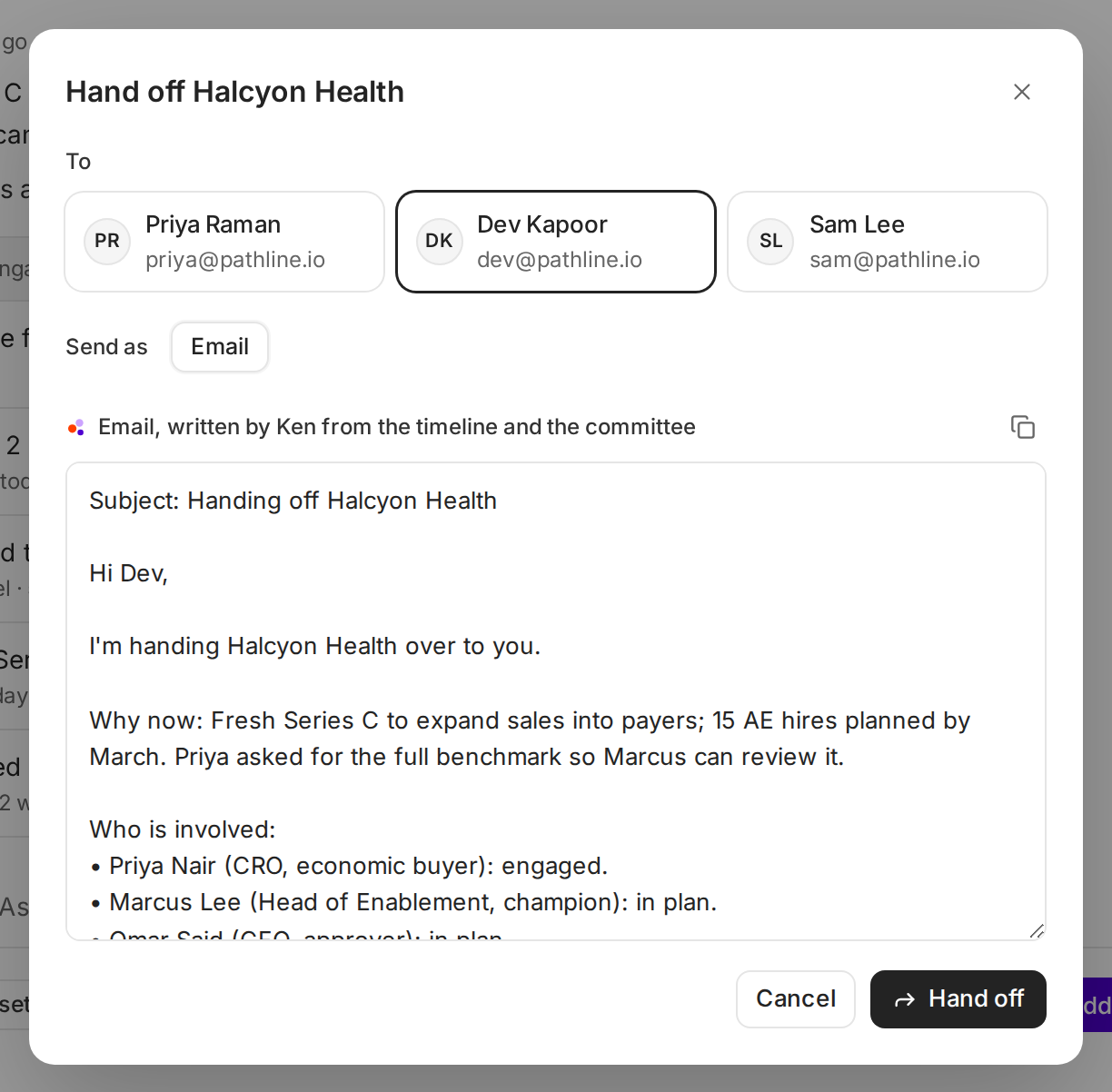
Pick the teammate, then read and edit the brief. -
Click Hand off. Ken shows "Handed off to Dev Kapoor · brief sent by email".
To keep a copy, or to paste the brief into a chat, click the copy icon above the brief. Ken shows "Brief copied".
What the brief includes
Ken builds the brief from what it knows about the account. It leaves out any line it has no data for.
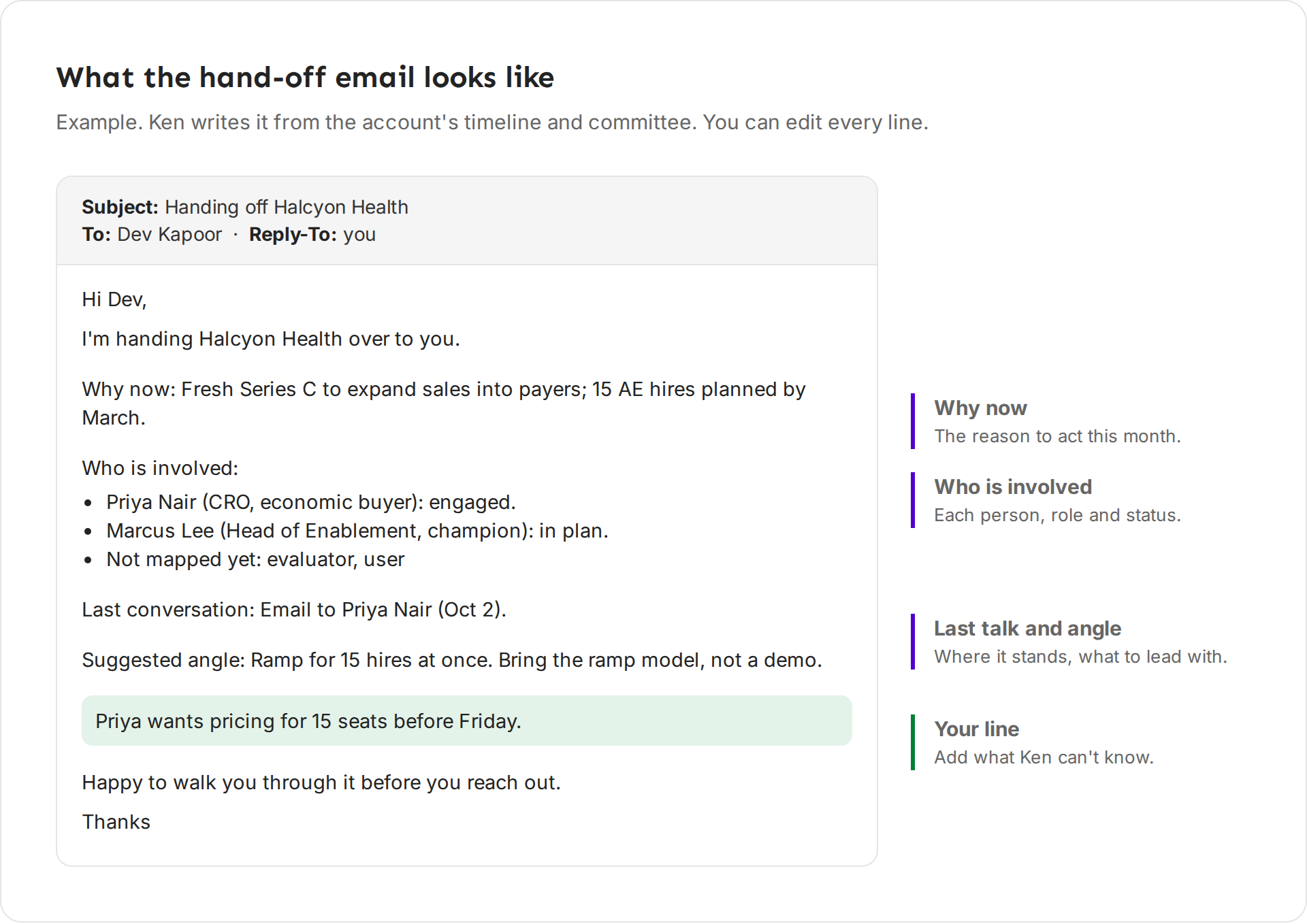
| Part | What it says |
|---|---|
| Subject | "Handing off Halcyon Health". |
| Opening | "I'm handing Halcyon Health over to you." Ken adds the fit score when the account has one. |
| Why now | The reason to act now, from the account brief. |
| Who is involved | Each person who is engaged or in the plan, with their title, role and status, like "Priya Nair (CRO, economic buyer): engaged." People on the chart with nothing planned yet are listed by role under "Not mapped yet". |
| Last conversation | The latest touch and its date. |
| Suggested angle | What to lead with, from the account brief. |
| Link | The email ends with a link that opens the account in Ken. |
What changes and what stays
After you hand off:
- Your teammate gets the email. When they reply, the reply goes to you.
- Under Properties, a Handed off row shows who got it, how and when, like "Dev Kapoor · Email · now". If you hand off again, the latest one shows.
- The account's timeline records the hand-off.
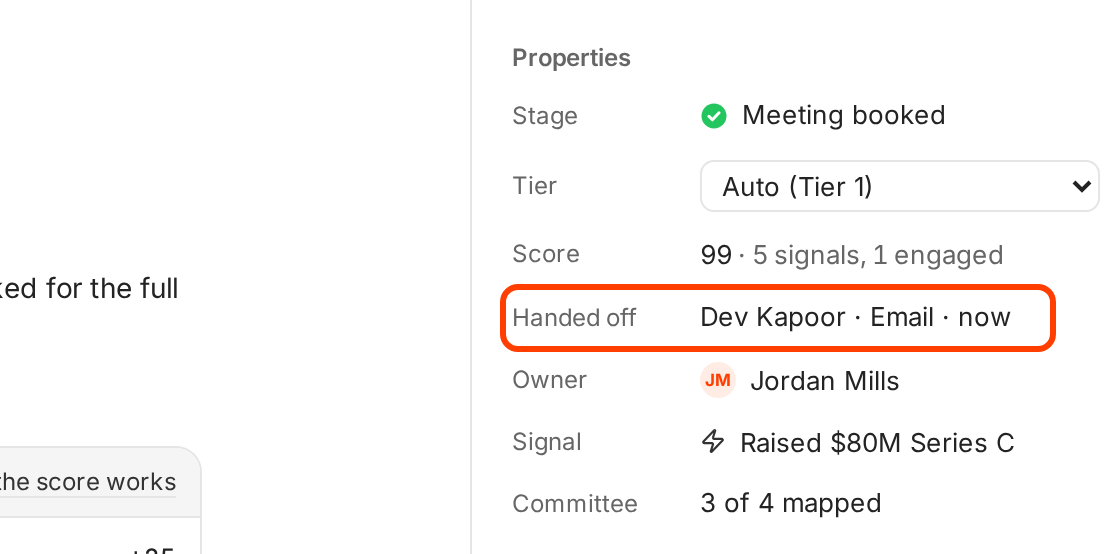
A hand-off does not move the account. The owner, the stage, the plan and Sends from stay as they were. If the AE should take over sending, change Sends from to the AE's inbox and LinkedIn. Only the account owner or an admin can do this. Then the emails and LinkedIn messages send from the AE's accounts, and the AE approves them. Calls, gifts and other tasks stay with the account owner. See Work the account plan.
Write a hand-off your AE can use
Lead with why now. "Fresh funding to expand into a new market, 15 sales hires by March" tells the AE why this month matters. "Good fit" doesn't.
Name the people and where each stands. The AE needs to know who replied, who hasn't heard from you yet, and who is still missing. Ken's brief lists the people on the chart, not the open seats, so add a line for any seat that matters. Map the committee before you hand off. See Map the buying committee.
Add what only you know. Ken writes from the timeline. It doesn't know what was said on a call. One line like "Priya wants pricing for 15 seats before Friday" is often the most useful part of the brief.
Say what you promised. If you told the prospect "my colleague will send the pricing", write it down, so the AE keeps your promise.
Offer a quick call. Ken ends the brief with "Happy to walk you through it before you reach out." Keep that line. Ten minutes together often saves a bad first meeting.
If something goes wrong
- "No teammates to hand off to." You are the only person in the workspace. Invite your AE first.
- "Ken couldn't write the brief." Click Try again, or write the brief yourself in the empty box.
- "The email to Dev Kapoor may not have sent. Check with them before you try again." The email may or may not have gone out. Ask your teammate before you send it again.
- "Couldn't hand off Halcyon Health. Try again." The hand-off did not go through. Wait a moment and click Hand off again.
- You can't pick yourself. A hand-off goes to someone else. Pick another teammate.
- No Hand off button. Hand-offs are not turned on for your workspace yet. Write to [email protected] to ask.
Next: Work the account plan, Connect Salesforce or HubSpot or Work through Today.