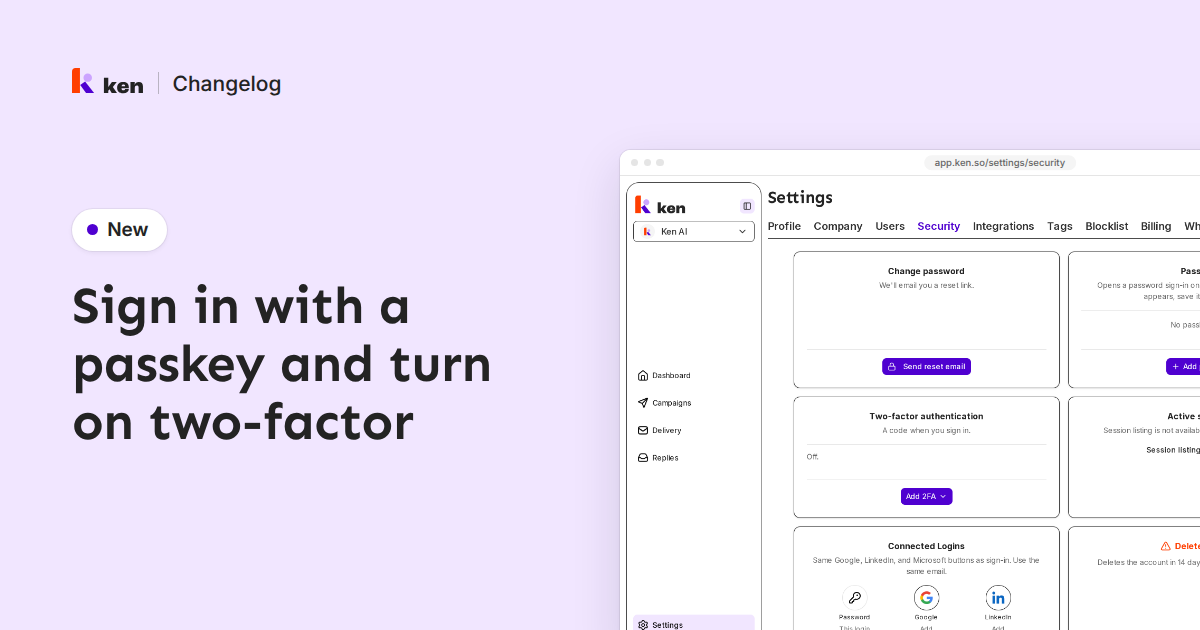
You can now sign in with a passkey and protect your account with two-factor sign-in. Go to Settings › Security.
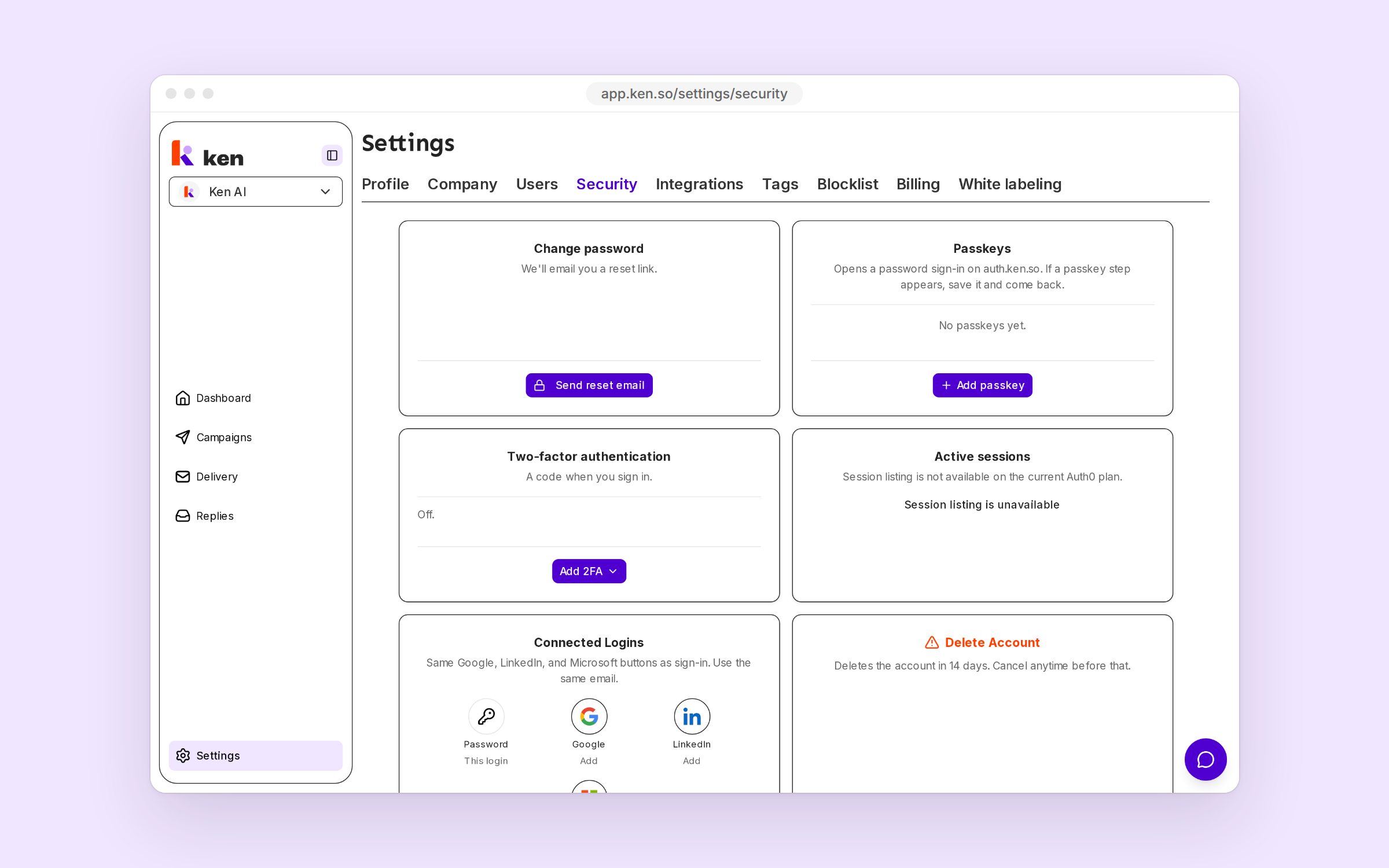
Under Passkeys, press Add passkey. Sign in with your password, save the passkey when your browser asks, and come back.
Under Two-factor authentication, open Add 2FA and pick Authenticator app or Email 2FA. Email needs an authenticator app first. Download your backup code and keep it safe. From then on, Ken asks for a code when you sign in.
Sign-in now takes Microsoft work and school accounts next to Google and LinkedIn. Under Connected Logins, link another one to the same Ken account, with the same email.
Delete Account now deletes the account 14 days later, and you can cancel until then.
API keys that start with ak_ no longer work. Create a new key under Settings › Integrations › API Keys.