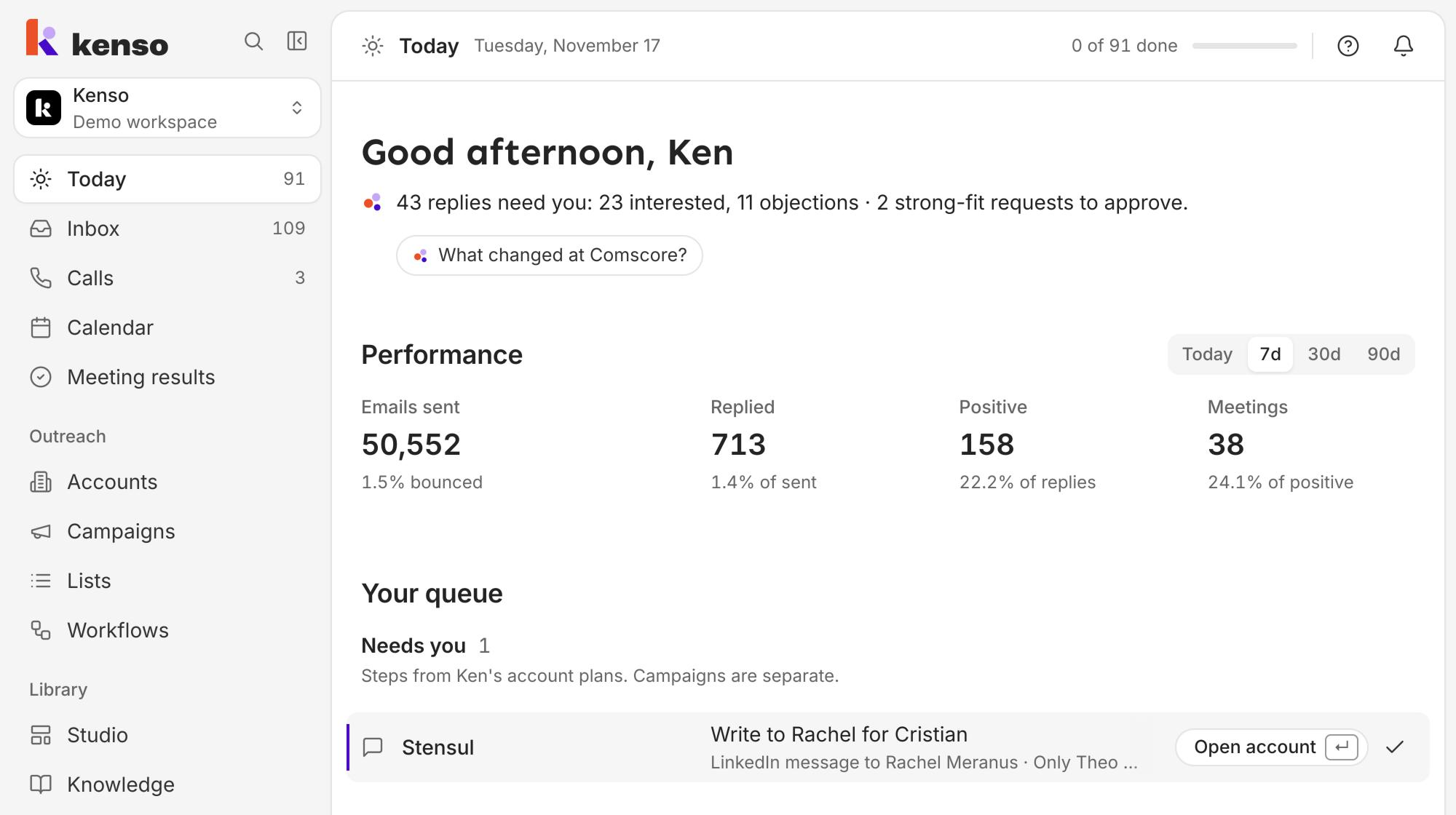
No. Today shows your own work, not the whole team's. Each account in Kenso can have an owner, the teammate it belongs to, and your Today lists what needs you on the accounts you own and on accounts with no owner yet. A few parts, such as campaign batches, are the same for everyone in the workspace.
Which rows are mine?
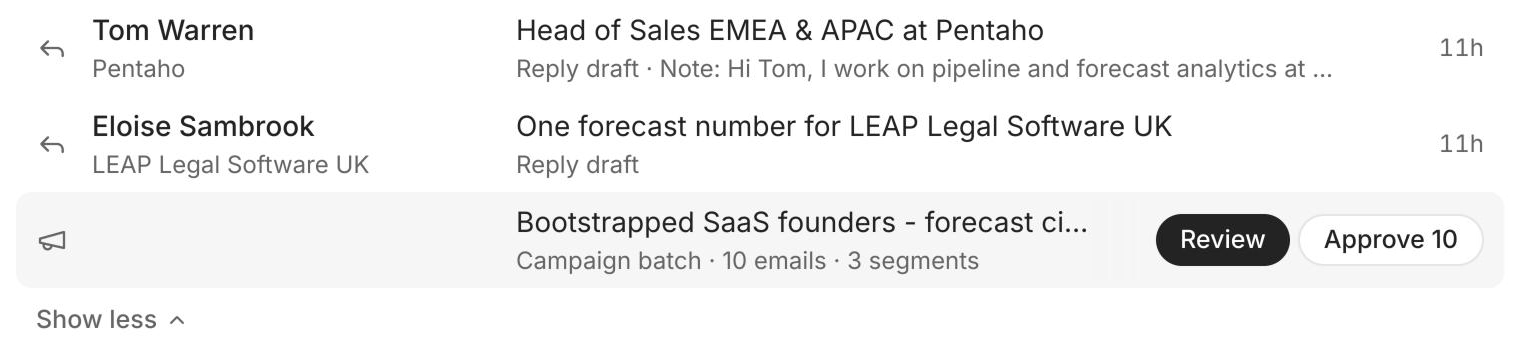
Each line on Today is a row: one thing that needs you, such as a reply to answer. Which ones you see depends on the kind of row:
- Steps come from accounts you own and accounts with no owner. A step is one touch from an account's plan, such as an email or a LinkedIn message. A step that goes out from a teammate's own inbox or LinkedIn also shows on their Today, under To approve, because only they can approve it.
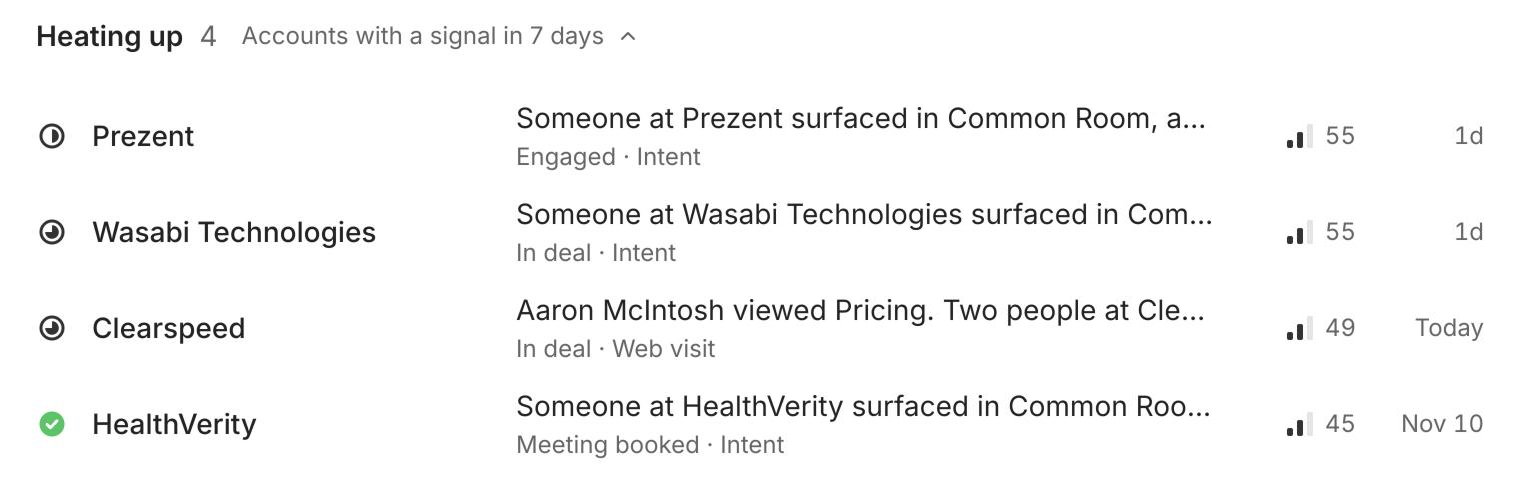
- Signals follow the same rule. A signal is news about an account, such as a funding round.
- Meetings and calls are always your own. A teammate's calls show on their Today, not yours.
An account with no owner shows on everyone's Today, so nothing gets missed. Once a teammate owns it, its rows move to their Today only.
The number next to Today in the sidebar is how many rows are still waiting on your list, including the campaign batches you can approve. It goes down each time you clear one.
Which replies count as mine?
It depends on where the reply came in. A reply to your own mailbox is yours, for example an answer to an email from an account's plan that went out from your address.
Campaign emails go out from shared sending inboxes that belong to nobody, so a campaign reply goes to the person who created the campaign. If that person has left the workspace, the reply shows on everyone's Today.
What does everyone see?
Some parts of Today are the same for the whole workspace, whoever owns the accounts:
- Campaign batches in To approve. A batch is a group of campaign messages Ken prepared, such as 40 emails, that waits for an OK before it sends. Everyone who can open Campaigns sees every batch. Only members allowed to edit campaigns and approve sends can approve one or send it back.
- Heating up: the workspace's top-scoring accounts with news from the last 7 days.
- Performance: the numbers from all the workspace's campaigns.
A few rows go only to workspace admins, such as a campaign that stopped adding leads.
Who can open Today?
Admins, editors and viewers all have Today. Viewers see their own list but can't approve anything on it. Client seats, the logins for a client's own team, don't have Today: they usually open on the Inbox.
If your admin turned off the Inbox or Calendar for your role, your Today leaves out replies or meetings too.
Next steps
- Start your day with Today: what each part of Today is for, how to clear a row, and a short routine for the morning.
- How Today uses your time zone: when your Today starts fresh, and how to change your time zone.