Today uses the time zone saved in Settings › Preferences. If you never picked one, it uses your browser's time zone, which is the time zone your computer is set to. Your Today starts fresh at midnight in that time zone, so “due today” means today where you are.
How do I change my time zone?
- Open Settings › Preferences.
- Under Appearance, click the Time zone box.
- Type a city in Search time zones, then pick your time zone.
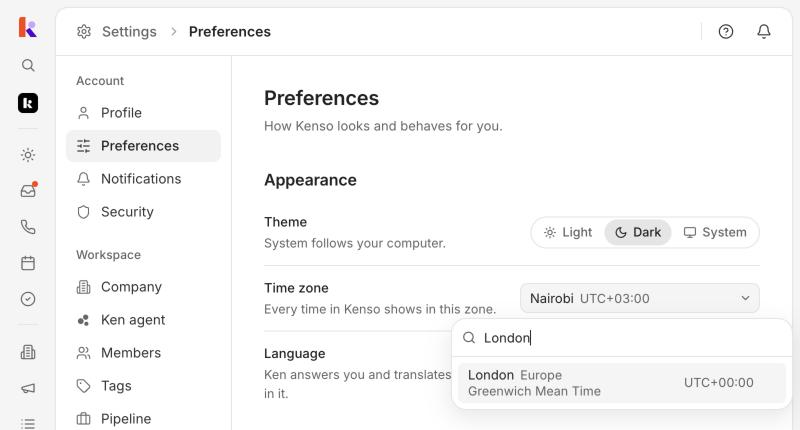
Kenso saves your pick right away and shows “Time zone saved”. The setting is yours only: each teammate has their own.
If you never set a time zone, the first time you open Preferences, Kenso saves your browser's time zone there for you. A message tells you which one, such as “Time zone set to London (detected)”.
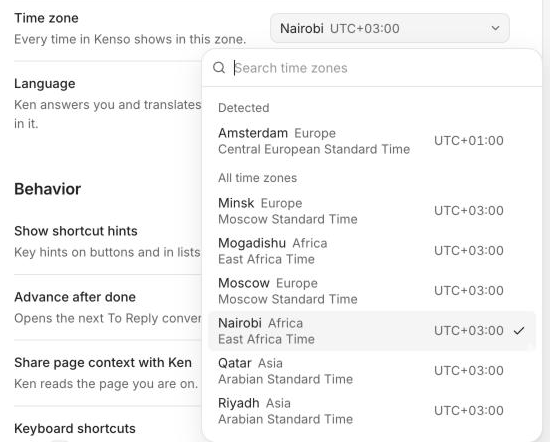
What does the time zone change on Today?
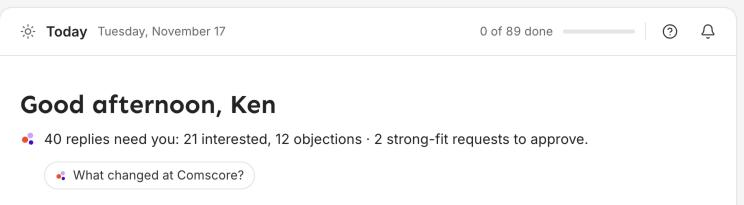
- When your day starts. The date at the top of Today and the greeting, such as “Good morning”, follow your time zone.
- What counts as due today. Tasks and calls due before midnight show on today's list. A row that was due yesterday shows “1d overdue”.
- How long Mark done lasts. Most rows you mark done stay off your list until midnight, then come back the next day if they still need you.
- When snoozed rows come back. Each kind of row comes back at a set hour in your time zone, for example a reply 2 business days later at 09:00.
- The times on rows, such as when a meeting starts.
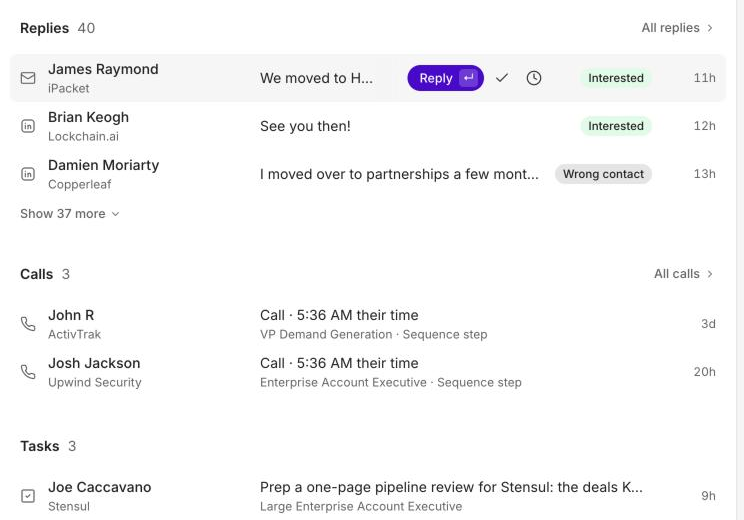
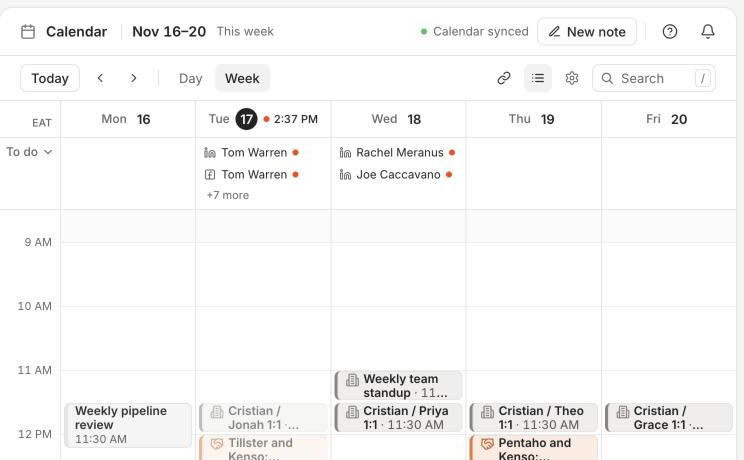
Kenso shows every time in this zone, not only on Today. The Calendar uses it too.
Next steps
- Start your day with Today: what each part of Today is for, how to clear a row, and a short routine for the morning.
- Move through Today with the keyboard: clear your Today list without the mouse.