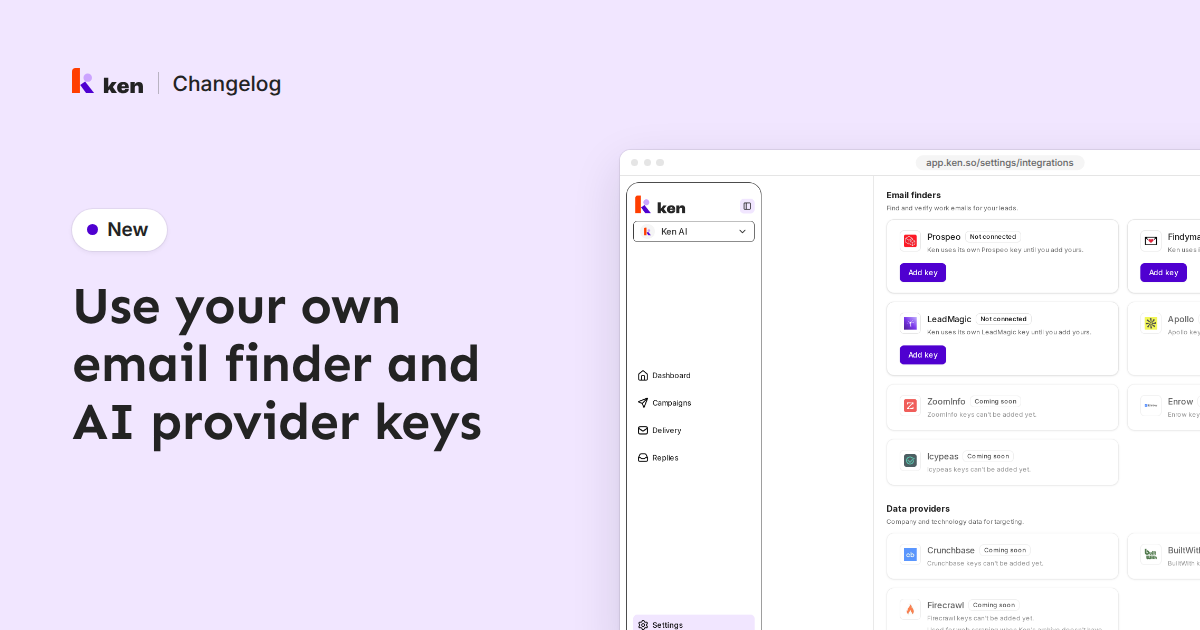
You can now add your own API keys for email finders and AI providers, and Ken uses them for your workspace. Go to Settings › Integrations and scroll to Email finders and AI providers.
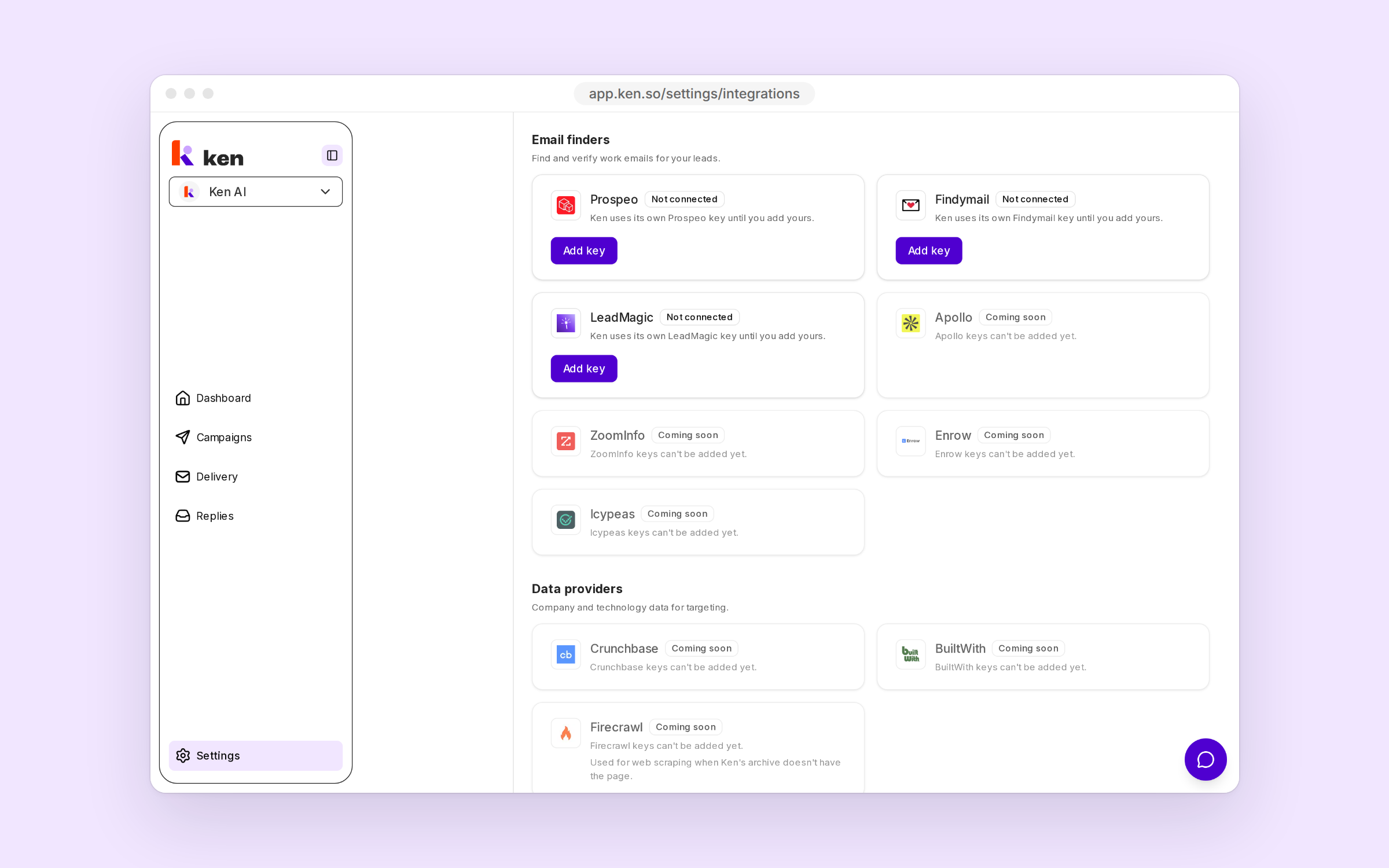
Six providers are live: Prospeo, Findymail and LeadMagic for finding emails, and Anthropic, OpenAI and OpenRouter for AI. The others show Coming soon.
Press Add key, paste the key and press Save key. Ken checks it with the provider first and does not save a rejected key. The card then shows only the last four characters, the key's status and when it was last checked and used. Re-check tests it again.
Work done with your own key costs 0 Ken credits. When a key is rejected, out of credits or rate-limited, Ken covers the work and charges credits. To stop that, turn off Ken fallback for email finders, or Ken fallback on an AI key's card.