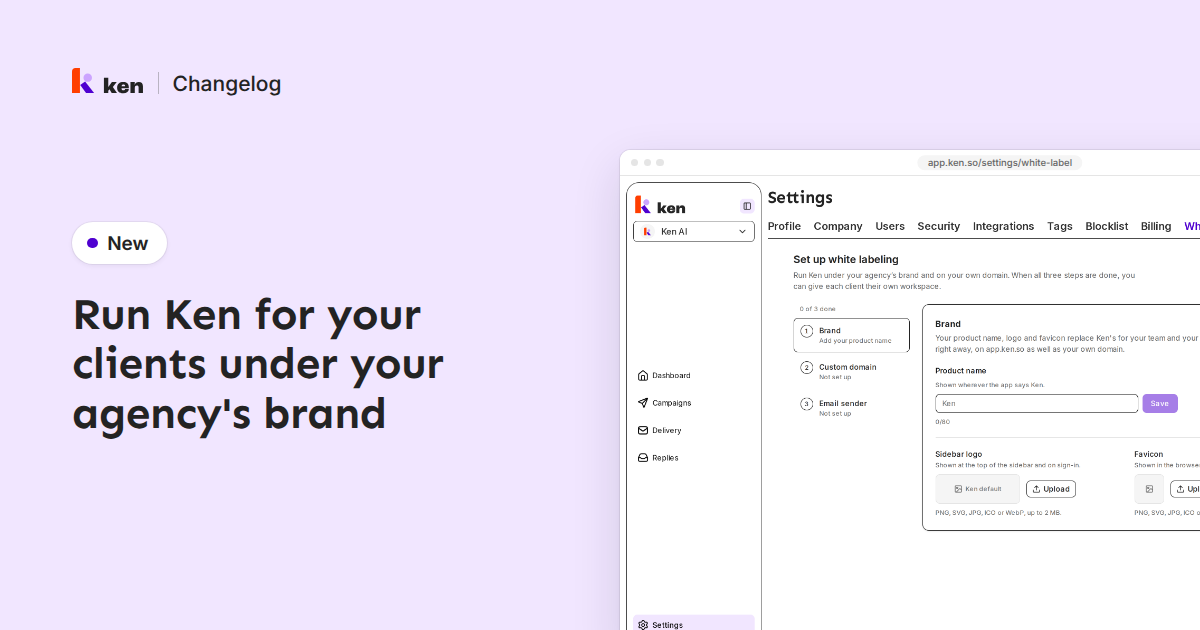
You can now run Ken for your clients under your own brand. As an admin of your main workspace, open Settings › White labeling.
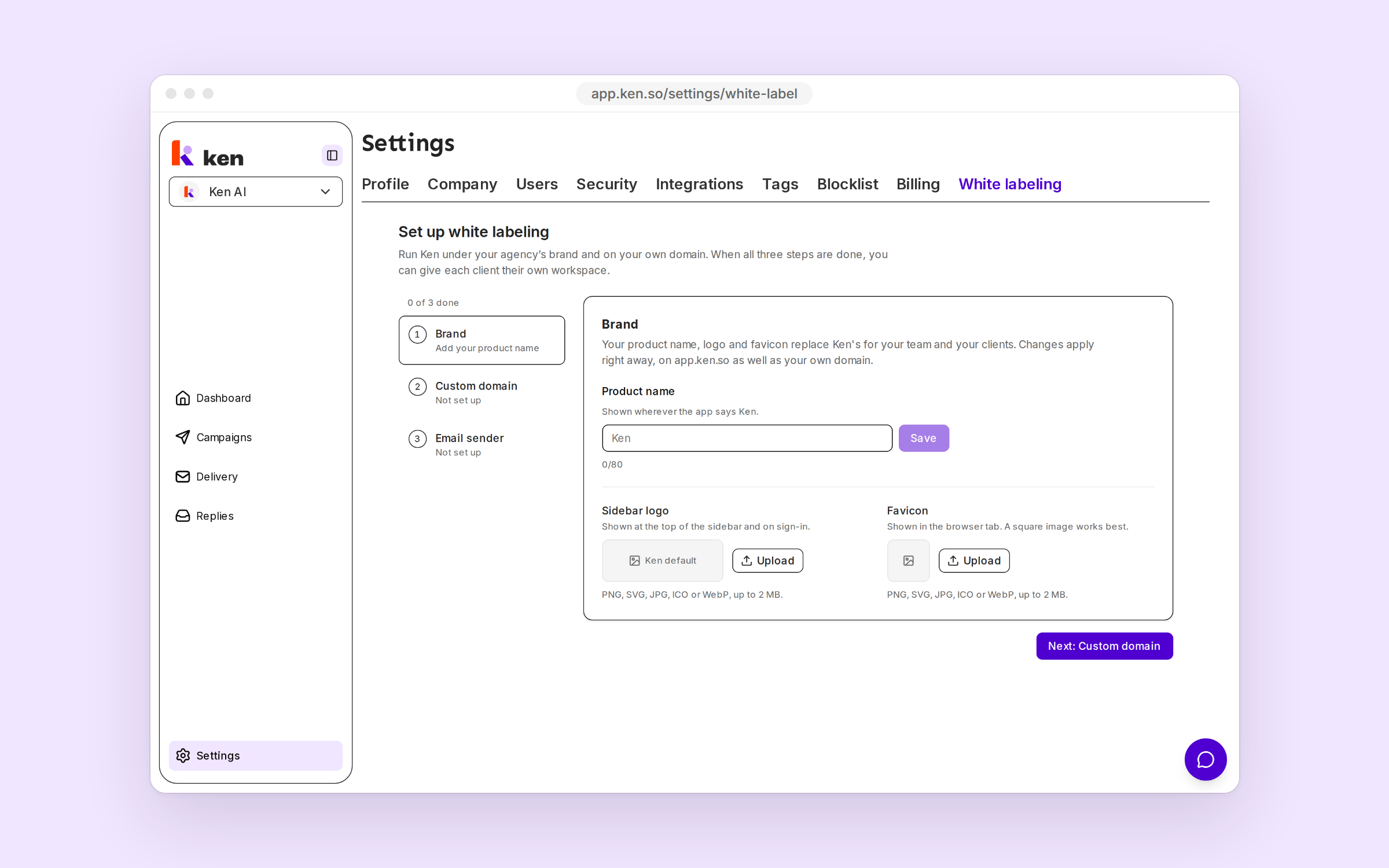
Setup has three steps. Brand takes your Product name, Sidebar logo and Favicon. Custom domain moves the app to a subdomain you own, like app.youragency.com, once the DNS records Ken shows verify. Email sender sends invitations and notifications from your domain.
When all three are done, press Create client workspace. Each starts with you as its only member and every cap at 0. Give it caps for Emails, Leads, Credits, Domains and Mailboxes, then invite your client. Clients sign in on your domain.
Client workspaces bill to your plan and show Usage instead of Billing.
The new Client role can view campaigns, contacts, Replies, analytics and sending setup, and answer replies. It cannot edit campaigns, buy anything or see billing, API keys or integrations.